
App
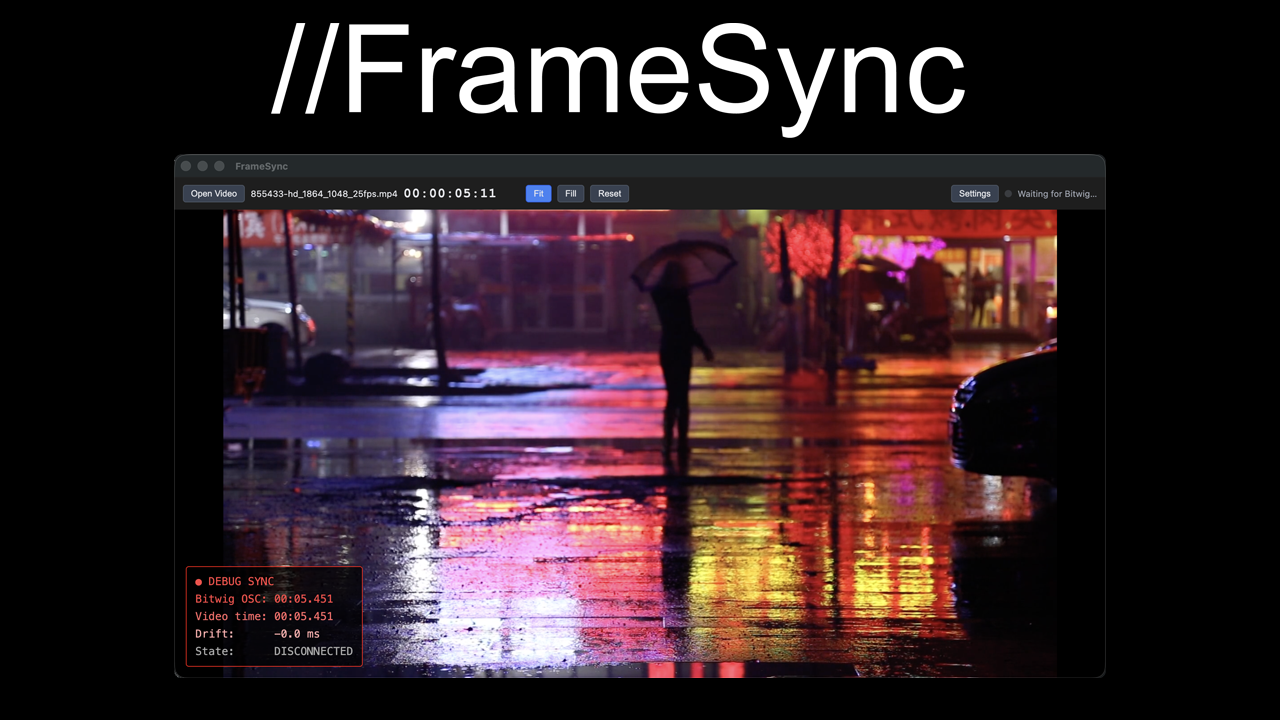
//FrameSync
By purchasing, you agree to our Terms of Service.
I score to picture in Bitwig and could never find a video sync solution that didn't drift, crash, or choke on professional codecs. So I built one.
FrameSync is a standalone app for Windows and Mac. Load a video file and it follows your DAW's transport: play, pause and scrub in the DAW and the picture moves with it. It runs as its own app, outside the DAW.
How the sync works
It compares the video with the DAW position on every frame. Small drift is corrected by nudging the playback speed, and a big jump makes it seek to the right place.
Video files
- H.264 and MP4: play directly.
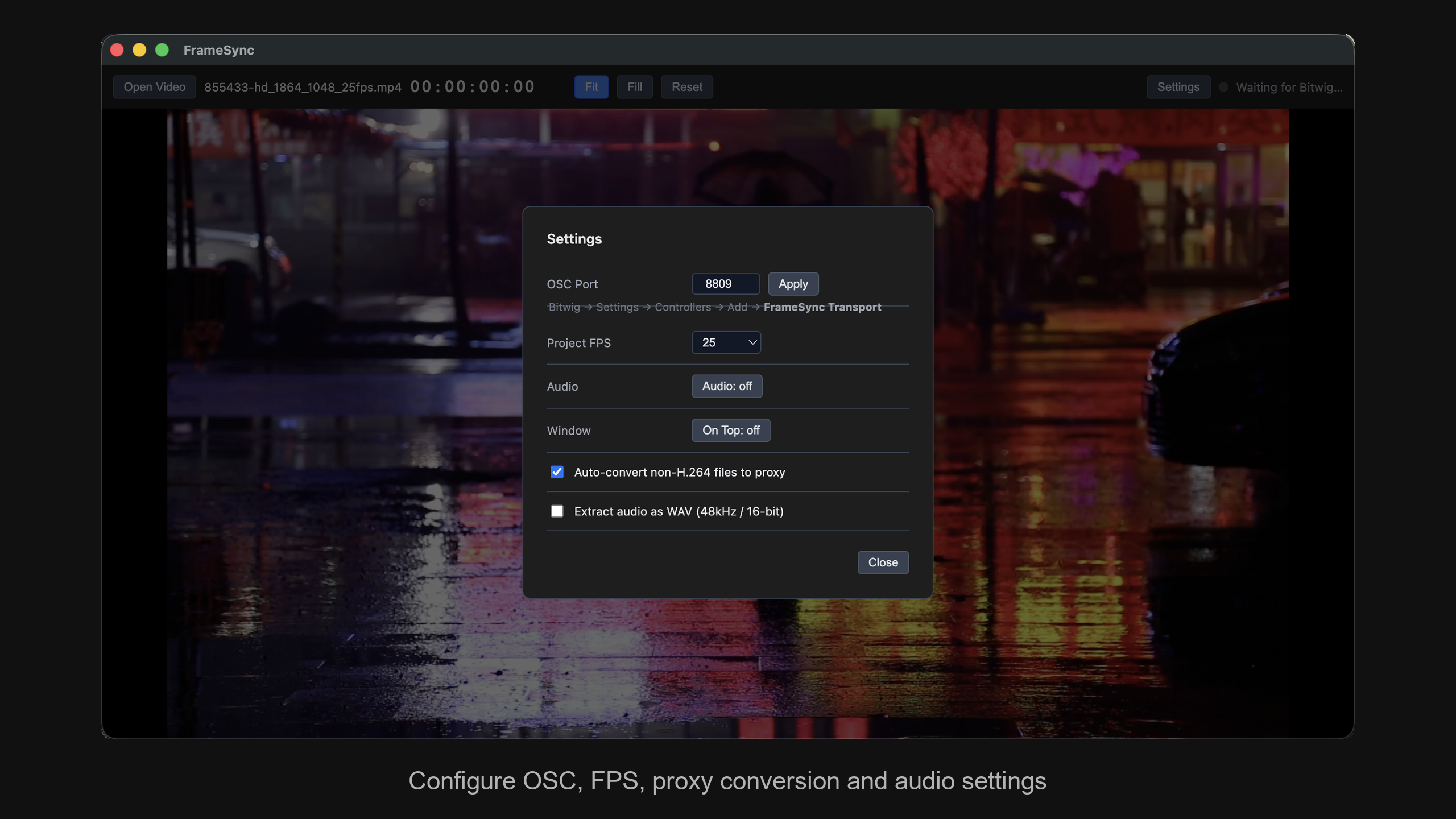
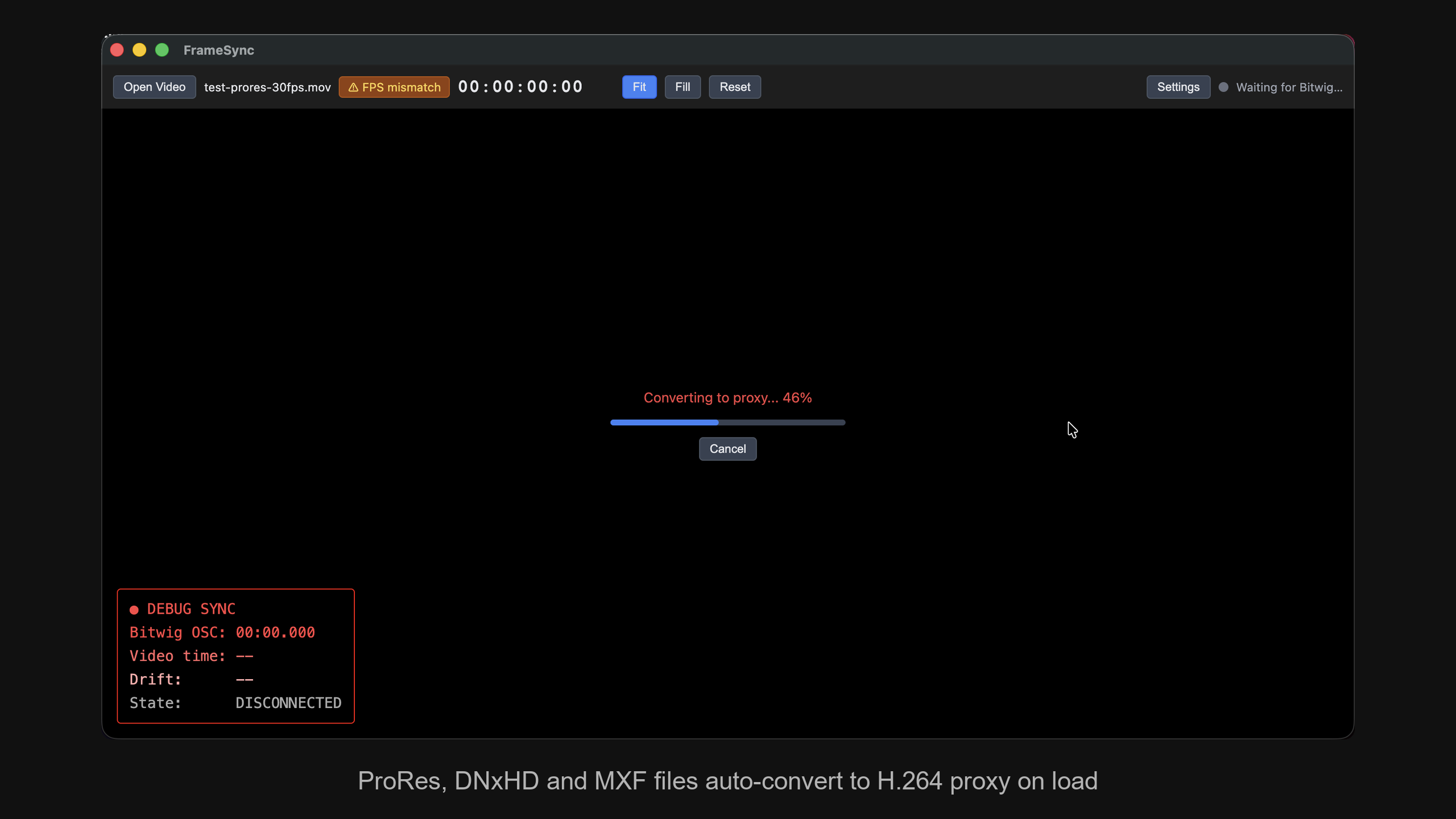
- ProRes, DNxHD and MXF: converted to a lightweight proxy when you load them.
- Frame rate: with Bitwig, it warns you when the video's frame rate doesn't match the project.
- Audio: it can save the video's audio as a WAV file.
Your DAW
- Bitwig Studio: FrameSync installs its own extension the first time you start it.
- Ableton Live: it comes with a Max for Live device, so you need Max for Live.
The setup steps are in the manual.
Known limit
FrameSync follows a constant tempo. If your project has tempo automation, the video position can be off after the tempo changes.
As featured on Rekkerd.org
One-time purchase, $19. No subscription.
As seen on
Specs
- macOS 12+ (Apple Silicon & Intel)
- Windows 10/11 (64-bit)
- Bitwig Studio & Ableton Live
- H.264/MP4 native playback
- ProRes, DNxHD & MXF auto-conversion
- One-time purchase — no subscription
You might also like

Drum synth with four pads. Where your finger lands on a pad changes the sound.
$3.99A dual-source noise generator featuring 11 noise types, morphable crossfading, per-source bandpass filtering.
$2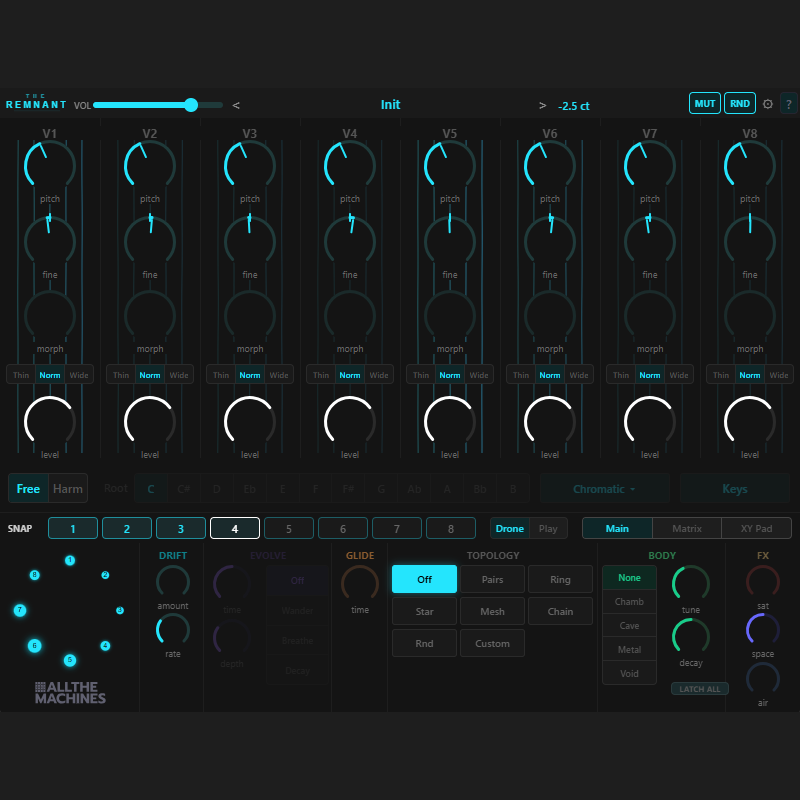
Drone synthesizer. 8 FM voices that feed into each other through a routing matrix.
$19