
iOS + Mac/Win
DRIFT
By purchasing, you agree to our Terms of Service.
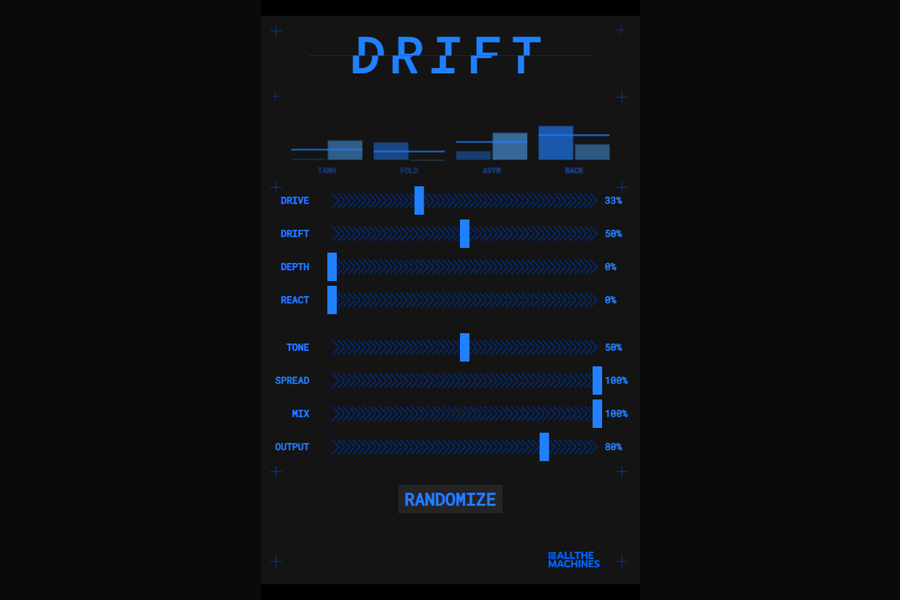
DRIFT is a saturation effect. The transfer curve slowly wanders over time, so the harmonic character evolves as you play.
Synth Anatomy: "It's like a moving distortion."
How it works
Inside, four saturation curves run in parallel: tanh, sine fold, asymmetric and foldback. A Lorenz attractor decides how much of each one you hear, and the left and right channels each have their own attractor.
The saturation runs at 2x oversampling.
Controls
- Drive: gain into the saturation, up to 36 dB.
- Drift: how fast the curve wanders. At 0 the steady wandering stops. It also follows your playing: louder input moves it faster.
- Depth: lets the same chaos push Drive and Tone around too.
- Spread: how differently the left and right channels wander.
- React: makes the wandering speed up when a transient hits.
- Delay: a short delay, 1 to 50 ms, in front of the saturation, so every repeat gets distorted again.
- Feedback: how much of the delayed signal is added back to the input and fed into the delay again, up to 95%. At 0 the delay does nothing.
- Tone: a low-pass filter on the wet signal, from 200 Hz to 20 kHz.
- Mix: blends dry and wet with an equal-power crossfade. The Drive gain is compensated on the wet path.
- Output: output level, from minus 24 to plus 6 dB.
Formats
- iPhone and iPad: an AUv3 in AUM, GarageBand, Logic or any other AUv3 host, plus a standalone app. Needs iOS 14 or later.
- Mac and Windows: VST3 and CLAP, plus AU on Mac.
The loop in this demo is from the drumloop pack Pulse Grid.
Desktop
- macOS 11+ (Apple Silicon & Intel)
- Windows 10/11 (64-bit)
- VST3 + AU + CLAP (Mac)
- VST3 + CLAP (Windows)
- Mac + Windows included in one download
iOS
- iOS 14.0+ (iPhone & iPad)
- AUv3 plugin + Standalone app
You might also like
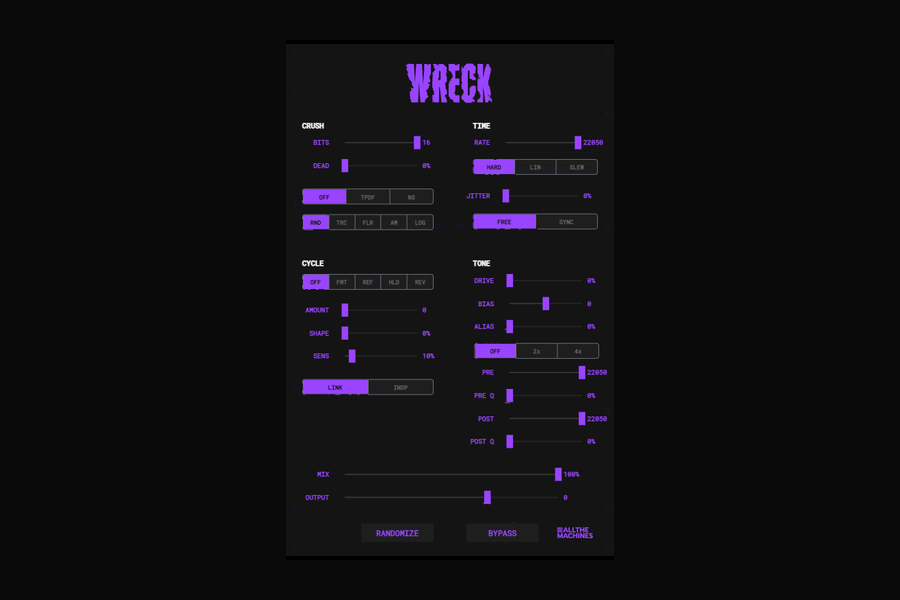
A bitcrusher with a wavecycle mangler. It damages audio at the sample level and at the cycle level.
$3.99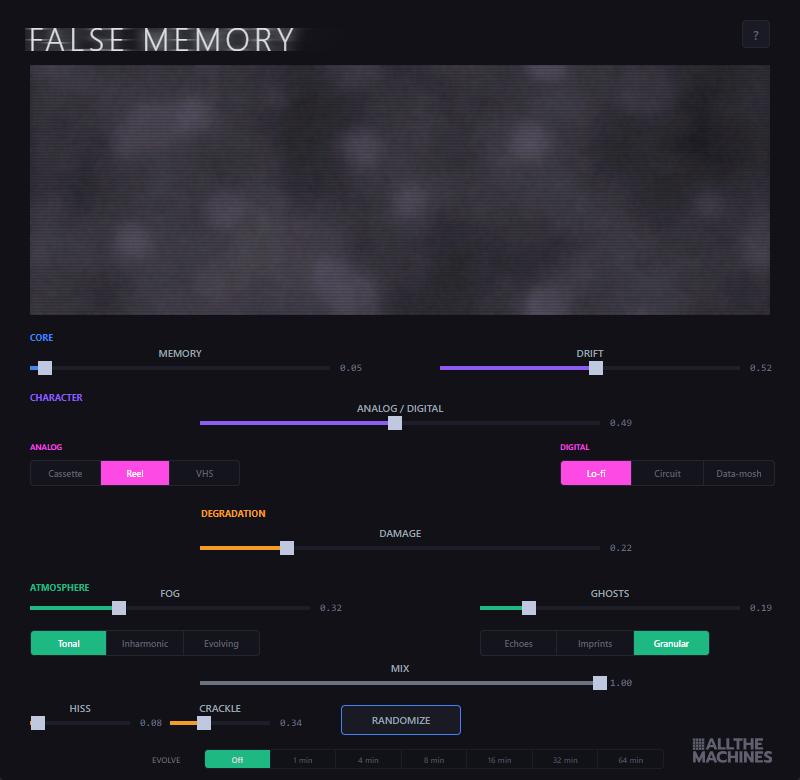
Audio disintegration. Tape decay, digital corruption, spectral fog, ghost echoes.
$3.99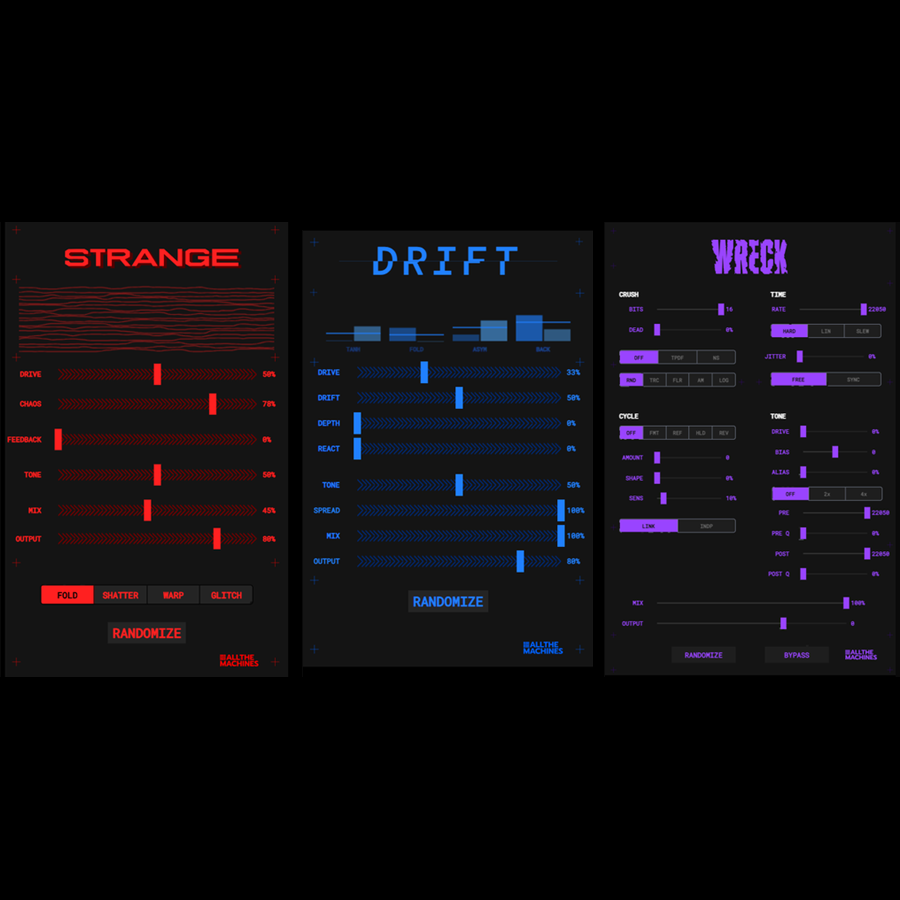
All 3 distortion plugins — Strange + Drift + Wreck — Mac & Windows
€29